
Running a rental or car sharing fleet with a patchwork of spreadsheets, paper check-in forms and separate booking tools quickly becomes a bottleneck. Vehicles sit idle because no one knows they are back, usage costs are forgotten at re-billing, and inspection disputes drag on without evidence. A short, well-chosen stack of software can reverse that pattern. The point is not to buy everything on the market, but to cover a handful of essential categories aligned with your actual operations.
This article walks through those categories, breaks them down by use case, and provides a practical grid to evaluate solutions before you commit.
Direct answer: An effective fleet relies on five core software categories: a central fleet management platform, telematics and GPS tracking, booking and rental management, digital inspection tools, and maintenance management. The right stack depends on your fleet size, business model (rental, car sharing, mixed) and existing systems.
What software and tools are essential for effective fleet management?
Modern fleet operations usually rely on a small, well-defined set of software categories rather than one monolithic tool. According to reference material on fleet management software, these solutions typically integrate vehicle tracking, maintenance scheduling and driver management, drawing on data from onboard telematics. Around that backbone, rental and car sharing operators add booking, contract and inspection modules to match their business model.
In concrete terms, five categories cover most operational needs:
- Fleet management platform: the central hub that consolidates vehicles, drivers, contracts and KPIs.
- Telematics and GPS tracking: real-time location, mileage, utilization and driving data.
- Booking and rental management: reservations, contracts, check-in/check-out, re-billing of usage costs.
- Digital vehicle inspection: photo and video condition reports with timestamped evidence.
- Maintenance management: service schedules, work orders, cost tracking per vehicle.
The fleet management platform acts as the connector: it collects data from telematics, pushes vehicle status to the booking module, and receives inspection reports back into the vehicle file. Teams that keep these functions in separate, disconnected tools typically see the same symptoms: slow check-in and check-out, recurring disputes over damage, missed re-billing of fuel, tolls or fines, and poor visibility on which vehicles actually generate revenue. A unified fleet management app is often used as that central layer, so operational data flows between modules instead of being re-entered manually.
Essential categories at a glance
- One central platform to consolidate vehicles, contracts and KPIs.
- Telematics for real-time tracking and utilization data.
- Booking and contract management for rental workflows.
- Digital inspection to document vehicle condition.
- Maintenance management to control downtime and costs.
Which tools support rental, car sharing and vehicle inspection workflows?
The right stack depends on the operational flow you need to support. Rental, car sharing and inspection each have their own friction points, and specific tool categories address them directly.
Rental operations
Rental workflows revolve around booking, contract, handover and billing. A rental management module typically covers reservations, customer files, contract generation, driver license capture, deposit handling and the final invoice. The most visible pain point is re-billing of usage costs: fuel differences, mileage overage, tolls, fines or late returns. When these items are tracked across spreadsheets and emails, a share of them is simply lost. A rental module connected to telematics and inspection data captures them automatically against the right contract.
Car sharing
Car sharing adds a self-service layer. Members book and access vehicles without staff intervention, which requires real-time availability, keyless or lockbox access, and reliable identity verification. On the operator side, the platform must track who is in which vehicle, log usage by the minute or hour, and compute billing automatically. Integration with telematics is not optional here: without live vehicle data, the service cannot run.
Vehicle inspection
Digital inspection apps replace paper condition reports with structured photo and video evidence, timestamped and linked to the contract. They reduce ambiguity at return, speed up the handover and shorten dispute cycles. In the United States, a FMCSA final rule on electronic DVIR confirms that driver vehicle inspection reports can be completed electronically under 49 CFR Part 396, reinforcing the shift toward digital inspection methods. For rental and car sharing operators, the same principle applies even outside regulatory contexts: timestamped digital evidence protects both the customer and the business.

Key features to evaluate before choosing a fleet management solution
Once the categories are clear, the real work is comparing solutions on criteria that actually matter for your operations. Four areas tend to make the difference between a tool you tolerate and one that pays for itself.
Telematics and tracking
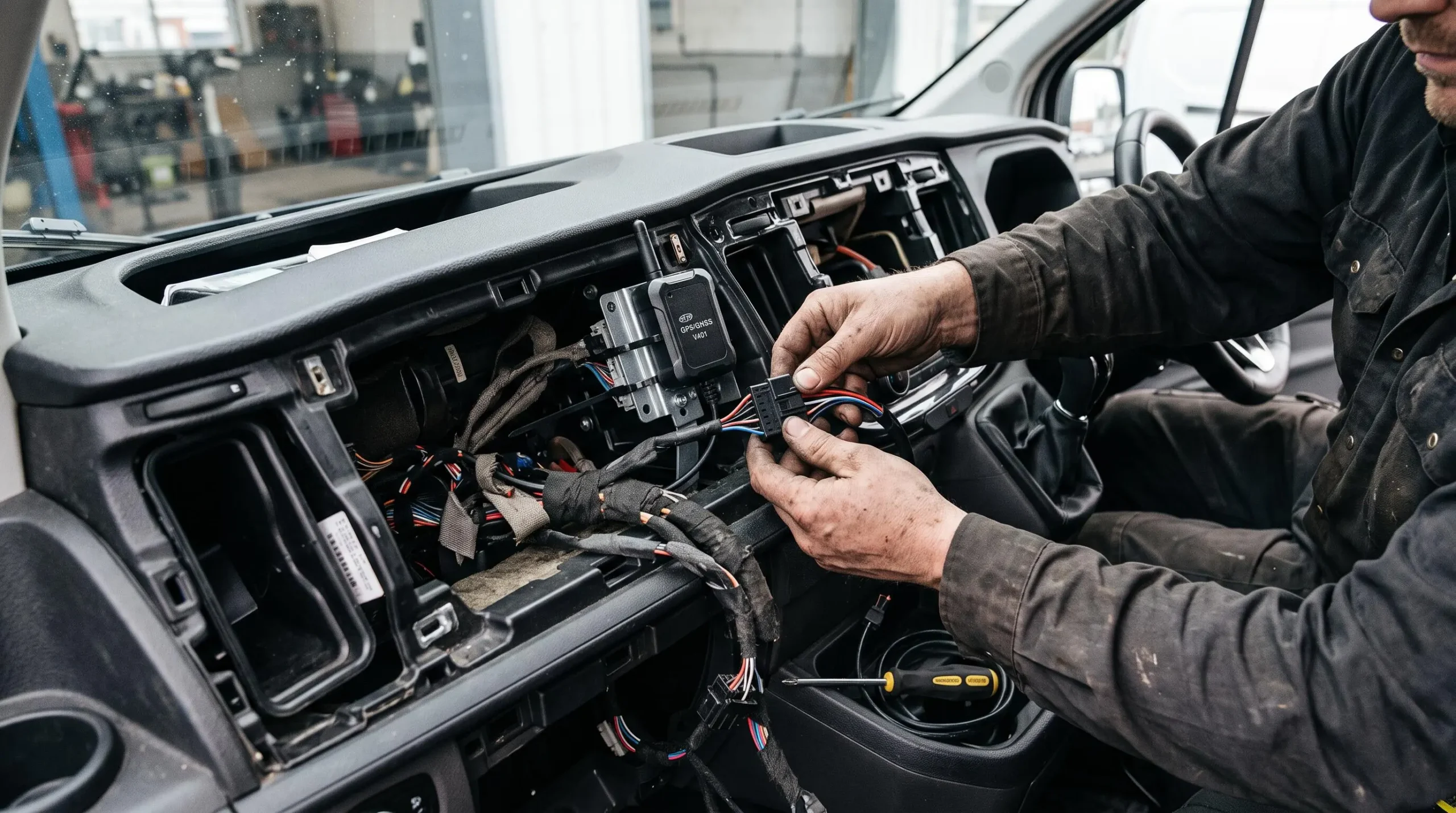
Look at what the platform actually does with GPS and vehicle data, not just whether it collects it. Useful features include real-time location, utilization rate per vehicle, idle time, mileage logs and geofencing alerts. GPS tracking is now a standard component of fleet operations: a 2025 sector survey of fleet professionals, reported by Heavy Duty Journal on fleet technology adoption, indicates that a large majority of operators rely on digital management solutions and that GPS tracking is widely used as a standard practice, with a notable share of users reporting a return on investment within the first year.
Billing automation
Billing is where the operational gap between two apparently similar solutions becomes concrete. Check whether the tool can automatically re-bill fuel, tolls, fines, mileage overage, cleaning fees and late returns against the right contract. Assess cost allocation per vehicle, per driver or per cost center. A platform that captures usage but does not translate it into clean invoicing leaves money on the table every month.
Integrations
Few operators start from scratch. The solution must connect to existing systems: accounting software, booking channels, payment providers, maintenance workshops, insurance partners. Clarify which connectors are native, which require an API project, and what the vendor commits to in terms of support. Weak integration is one of the most common sources of hidden costs after deployment.
Support and onboarding
Finally, consider the human side. Deployment effort, training format, response time, documentation quality and the ability to configure the tool without a developer all shape adoption. A powerful platform that your team avoids is worse than a simpler one they actually use every day.
Example of a comparison trade-off
- Rich tracking and driver behavior data.
- Good mobile app for field teams.
- Lower entry price per vehicle.
- Manual re-billing of fuel and tolls.
- Risk of lost revenue each month.
- Accounting reconciliation remains manual.
How to match a fleet software to your fleet size and business model
The same features can be an asset or a burden depending on the size and nature of your fleet. A tool designed for 500 vehicles across multiple sites will overwhelm a 20-vehicle rental shop, and a lightweight app will not survive the growth of a car sharing operator adding members every month.
Small fleets
Below roughly 25 vehicles, prioritize simplicity and fast deployment over advanced modules. A clean rental workflow, basic tracking, digital inspection and a reliable billing module usually cover 90% of daily needs. Avoid long configuration projects: time spent setting up is time not spent serving customers.
Growing fleets
As the fleet expands, scalability becomes the main concern. Check pricing per vehicle at higher volumes, the ability to add modules without changing platform, multi-site management, user roles and reporting depth. A tool that worked fine at 30 vehicles can become a bottleneck at 150 if roles and permissions are too rigid.
Different business models
Rental, car sharing and mixed fleets rely on different workflows. Pure rental emphasizes contracts and handovers. Car sharing emphasizes self-service access and real-time availability. Mixed operators need both, ideally within the same platform to avoid duplicate vehicle files and conflicting calendars.
Cas pratique
A rental operator with 40 vehicles decides to launch a car sharing offer on part of its fleet. With two separate tools, the same vehicle appears in two calendars, leading to double bookings and manual reconciliations every week. Switching to a single platform that supports both activities removes the duplication, keeps a single vehicle file, and lets the team monitor utilization and revenue by activity without rebuilding the stack. This is a hypothetical illustration intended to show how business model evolution affects software choice.
What should you check before making a final decision?
Even with the right shortlist, the last mile determines whether the investment pays off. A short, disciplined verification phase protects against the two most common post-purchase regrets: hidden costs and workflow mismatch.
- Map the total cost of ownership
Add up license fees, hardware (telematics devices, tablets), setup, training and ongoing support. The headline price per vehicle rarely tells the full story.
- Test the tool on real workflows
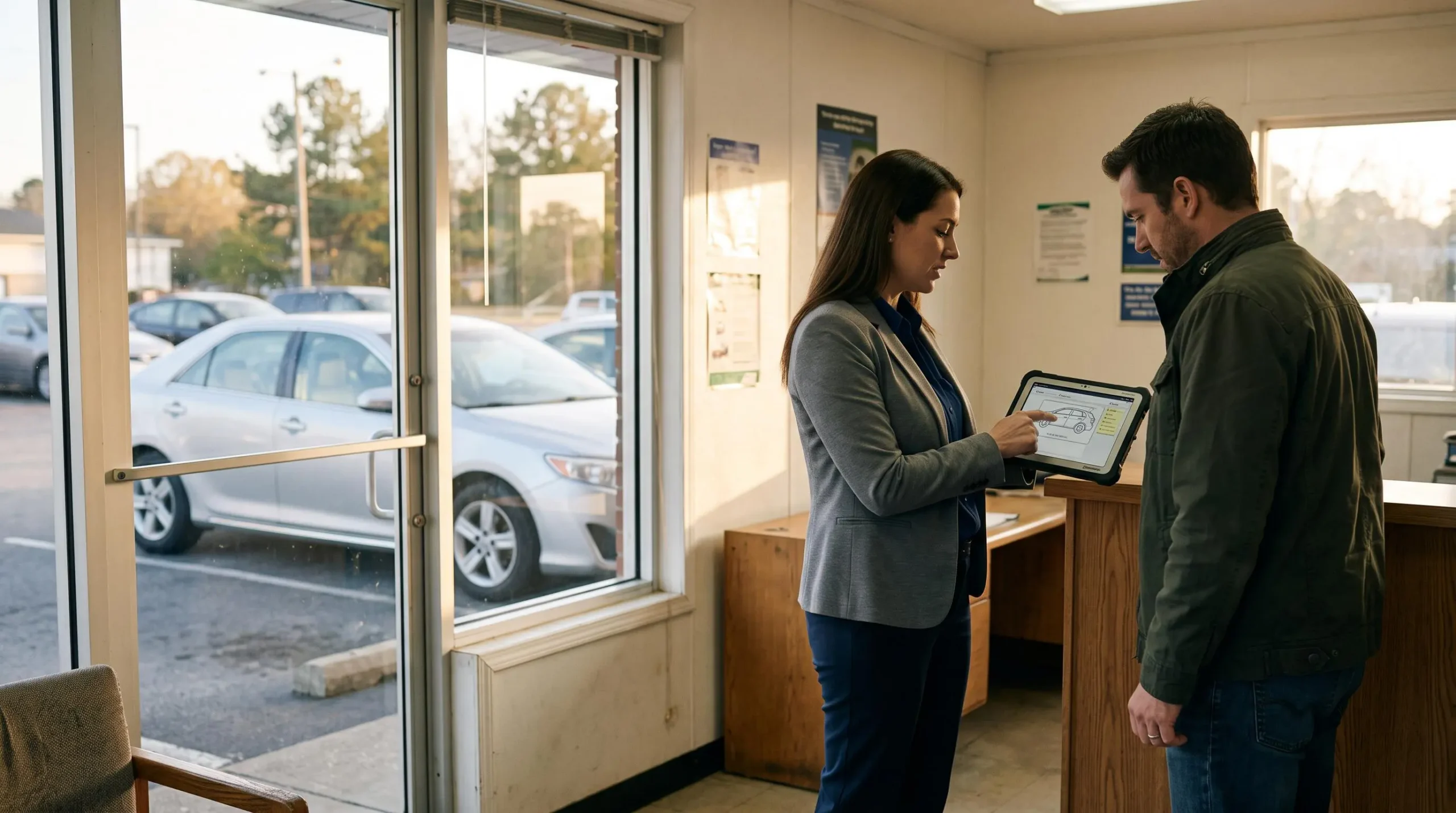
Run a demo or trial on an actual check-in/check-out, a real inspection, a car sharing booking and a monthly re-billing cycle. Watch where the team hesitates.
- Confirm integration compatibility
List your existing systems (accounting, booking channels, payment, workshops) and ask for a written answer on each connector: native, via API, or not supported.
- Review contractual terms
Clarify data ownership, export formats, exit conditions, SLAs and support hours. These clauses matter the day you want to change tool or scale faster than planned.
Common blind spot: impressive demos often skip the unglamorous parts (billing errors, exception handling, offline mode). Insist on testing those scenarios before signing.
What essential tools does a small vehicle rental fleet need without overspending?
A small rental fleet typically needs four essentials: a rental management module (bookings, contracts, invoicing), a digital inspection app, basic GPS tracking and a maintenance log. Advanced analytics, driver behavior scoring or multi-site management can be added later as volume grows.
How to connect fleet management software with existing billing or booking systems?
Connection usually goes through native connectors or APIs. Before buying, list every system that must exchange data (accounting, payment, booking channels) and ask the vendor to confirm, in writing, whether each integration is standard, custom or unsupported. This avoids discovering gaps during deployment.
Which digital inspection tools reduce check-in/check-out delays and disputes?
Inspection tools that structure the process around a guided photo and video capture, with timestamped evidence linked to the contract, tend to reduce both handover time and disputes. Integration with the rental module is key: the condition report should attach automatically to the right file, not sit in a separate app.
Can one platform really handle rentals, inspections and car sharing together?
Yes, provided the platform was designed for mixed activities. Check that vehicle files, calendars and billing are shared between modules, that car sharing specifics (self-service access, real-time availability) are native rather than bolted on, and that reporting can separate performance by activity.
Choosing a fleet management stack is less about chasing the richest feature list and more about covering a few essentials with tools your team will actually use. Start from your operational reality — rental, car sharing, mixed — map the five core categories against it, and apply the comparison grid on telematics, billing, integrations and support. A short pilot on real workflows will tell you more than any demo, and will protect you from both under-equipping and over-buying.